Five kinds of label
Note, Warm-up, Cool-down, Rest and Part of the workout, each with your own words if you want them. Edit or remove a label any time.
Features
Everything Goose does, in one place. Paste the workout you did, mark up the heart-rate graph your watch recorded, and see what the session did to your body.
New Annotate your workouts
Your watch records one long line: the warm-up, the WOD, the water break and the walk to the car. Drag across the heart-rate graph to say which part was which, and Goose counts only the work.
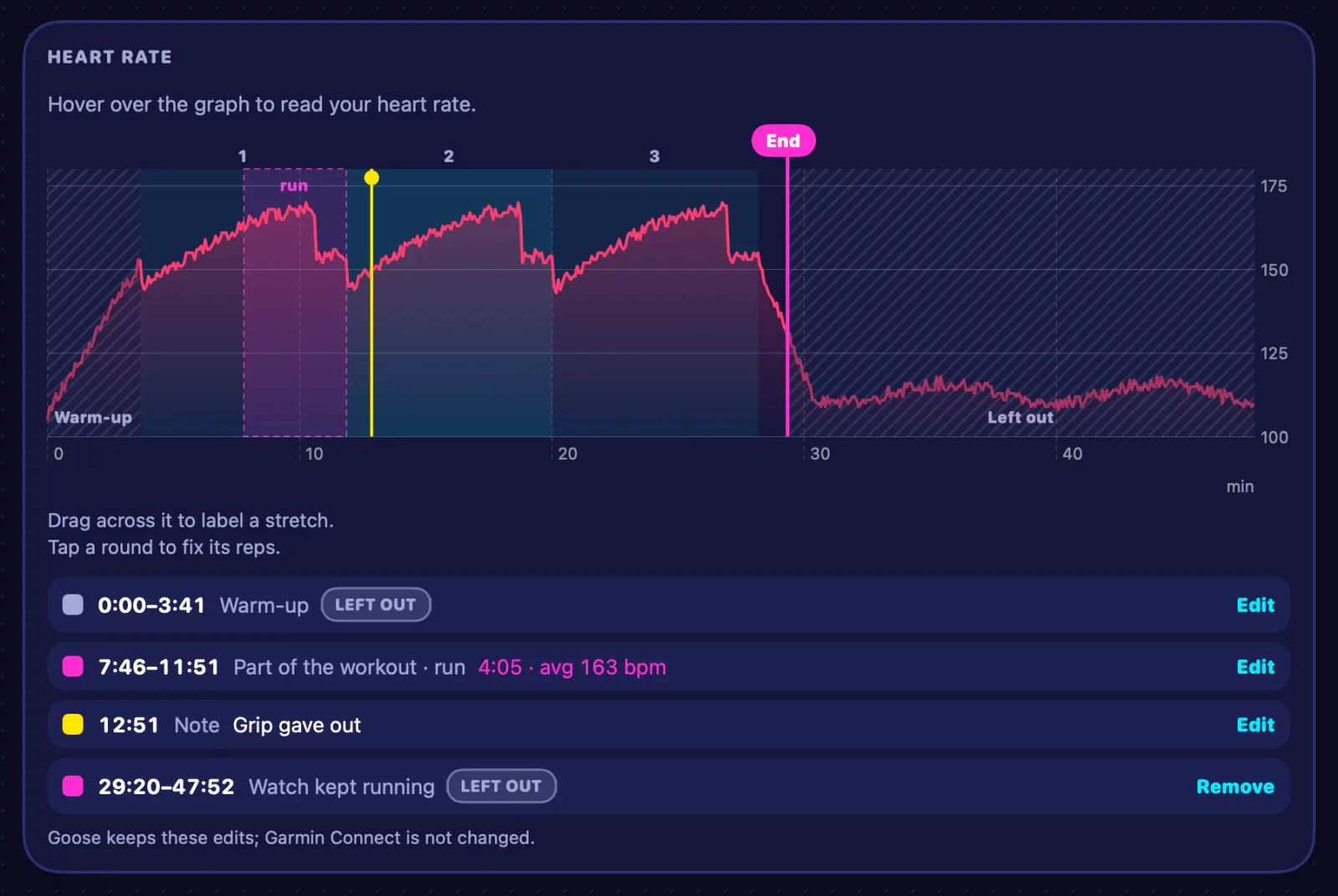
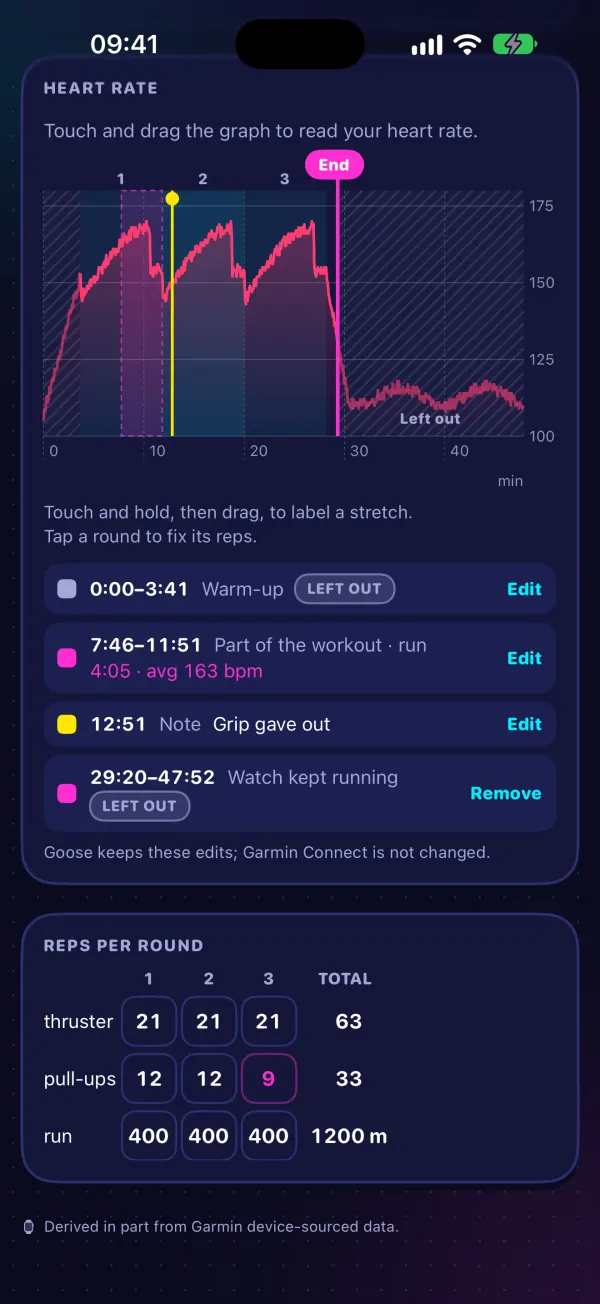
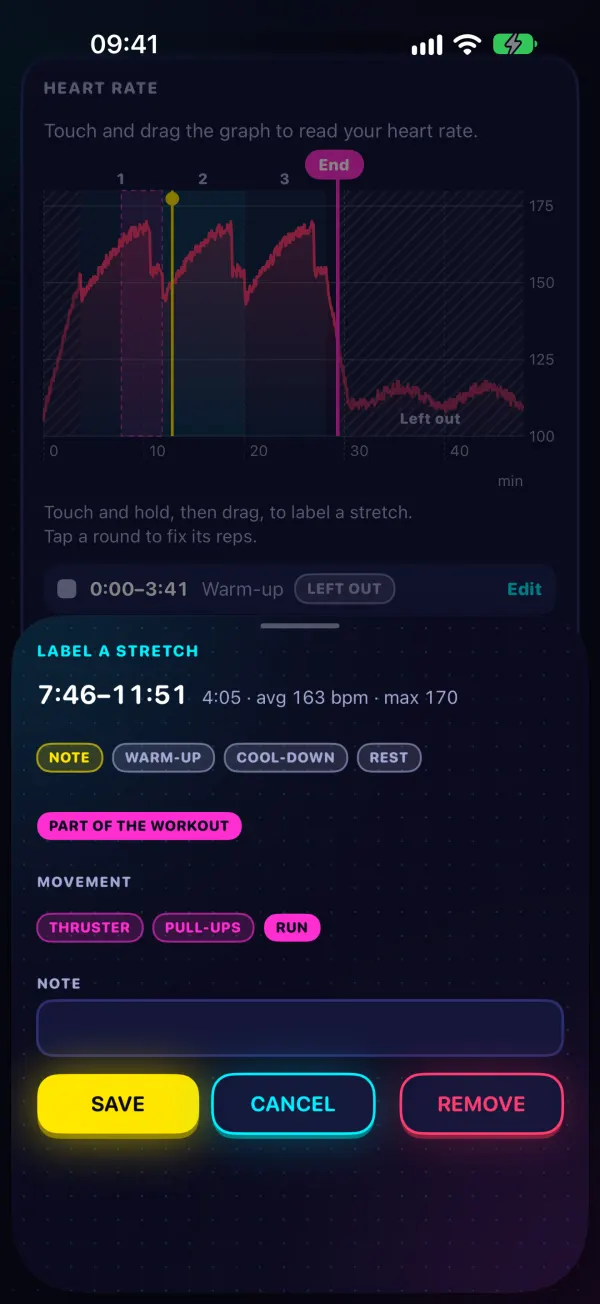
Note, Warm-up, Cool-down, Rest and Part of the workout, each with your own words if you want them. Edit or remove a label any time.
Every round your watch marked is a numbered band on the graph. Tap one, or a number in the Reps per round table, to put in what you really did.
Rate how hard it felt (effort, 0–10), keep notes, list the techniques shown in a BJJ or Muay Thai class, and tick a cold plunge after the session.
Annotating works on the web, iPhone, Mac and Android, on any workout that came with a heart-rate recording.
Log
Goose reads workouts the way they're written on the whiteboard, and turns them into rounds, reps, loads and movements you can chart.
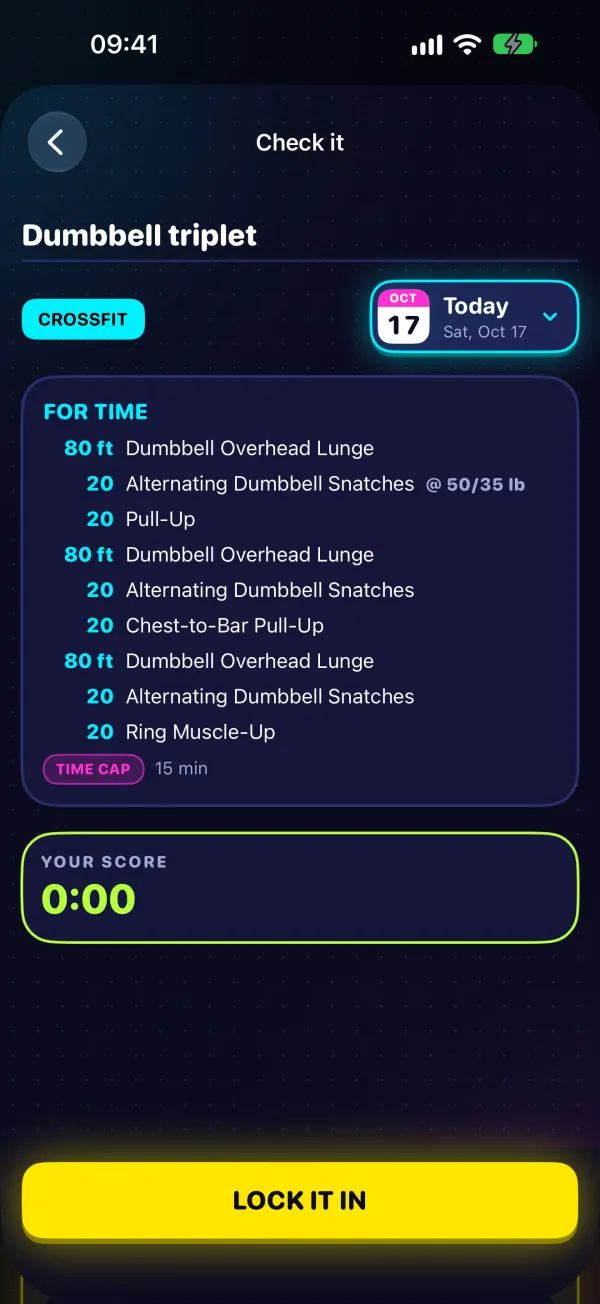
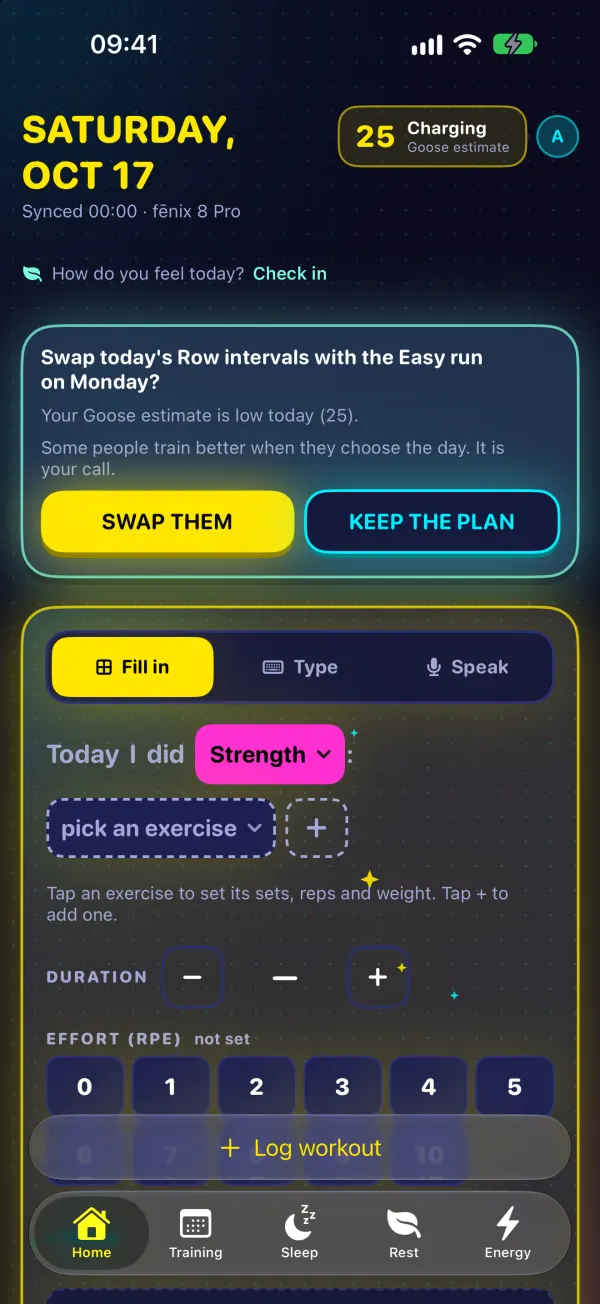
AMRAPs, EMOMs, rounds for time, 21-15-9 ladders, buy-ins, cash-outs, time caps, kg or lb. 220+ movements and their nicknames, tested against 317 real benchmark workouts.
Take a photo of the board and Goose reads the text on your device. The photo never leaves it.
5×5 @ 80%, drop sets, supersets ("A1. Bench 3×8 / A2. Row 4×10") and max-rep sets. Write "bench 10, 10, 7" and your score fills in.
Time, rounds + reps, reps, calories or load with big − / + buttons, and Goose shows how it read your text so you can check it at a glance.
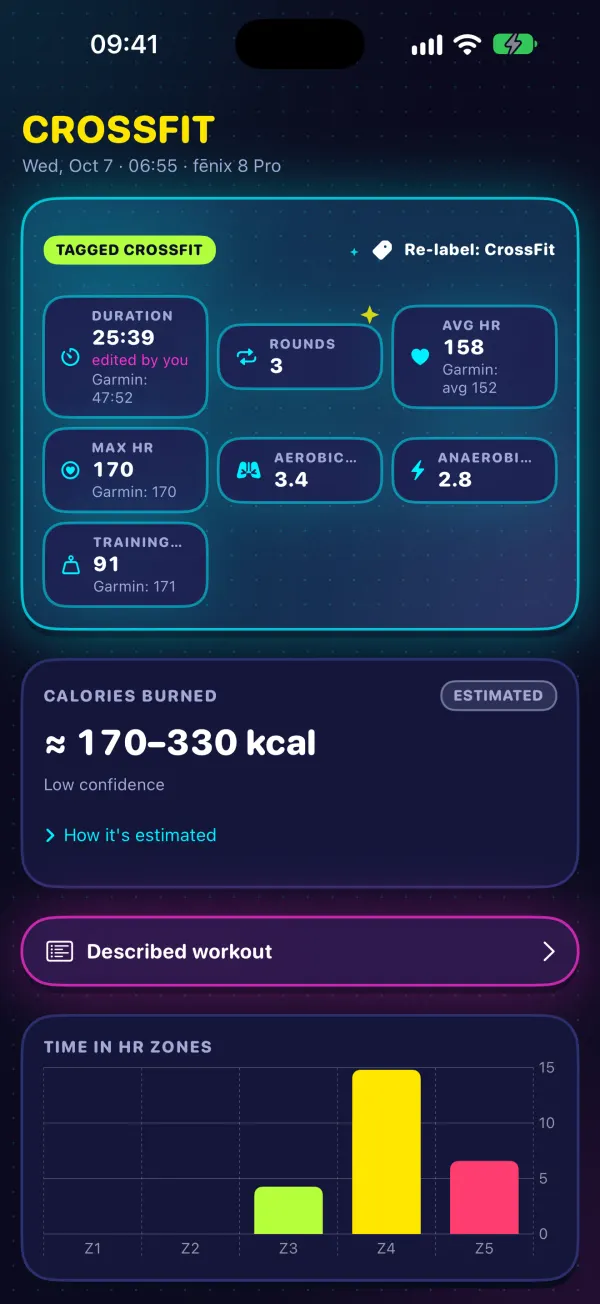
Your watch says Cardio. One tap makes it CrossFit, Hyrox or HIIT, and "Same workout as …" joins it to the workout you logged. Your watch's numbers stay untouched.
Type Fran, Grace or Murph and Goose knows the workout, so every repeat is comparable with the last one.
Body
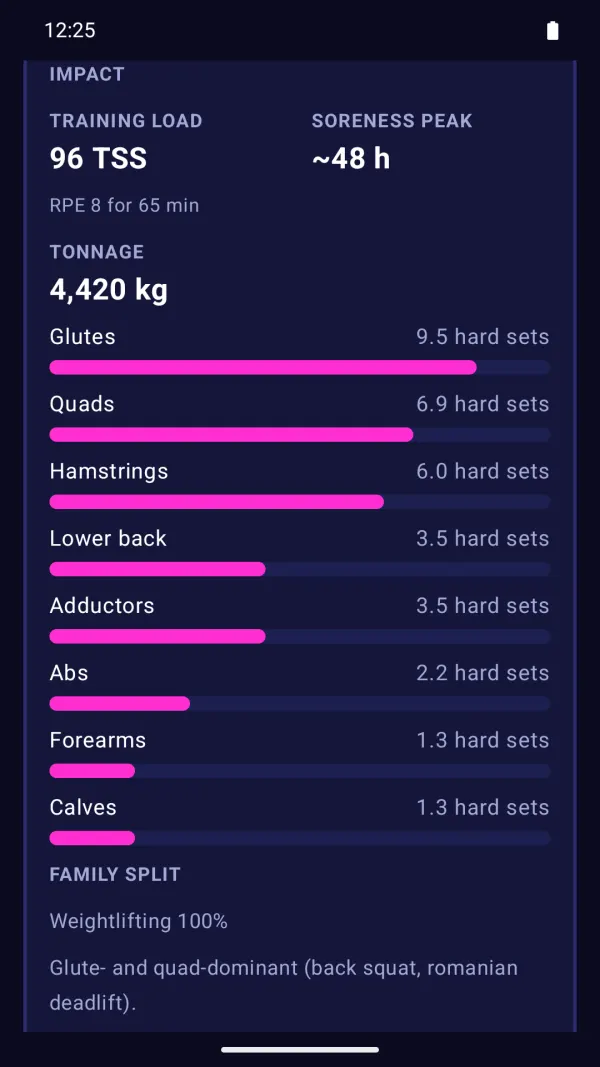
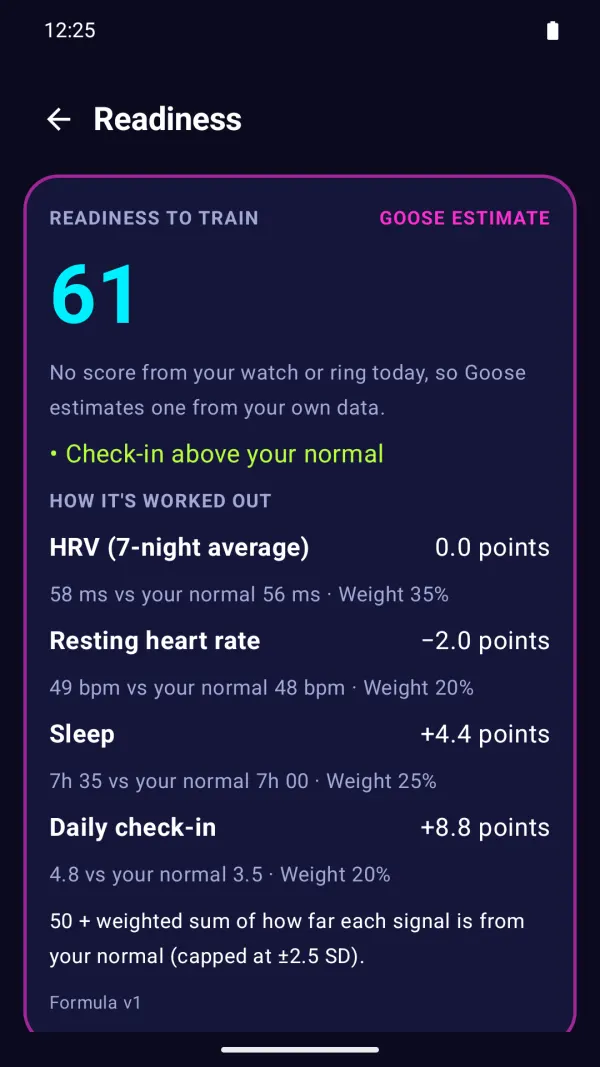
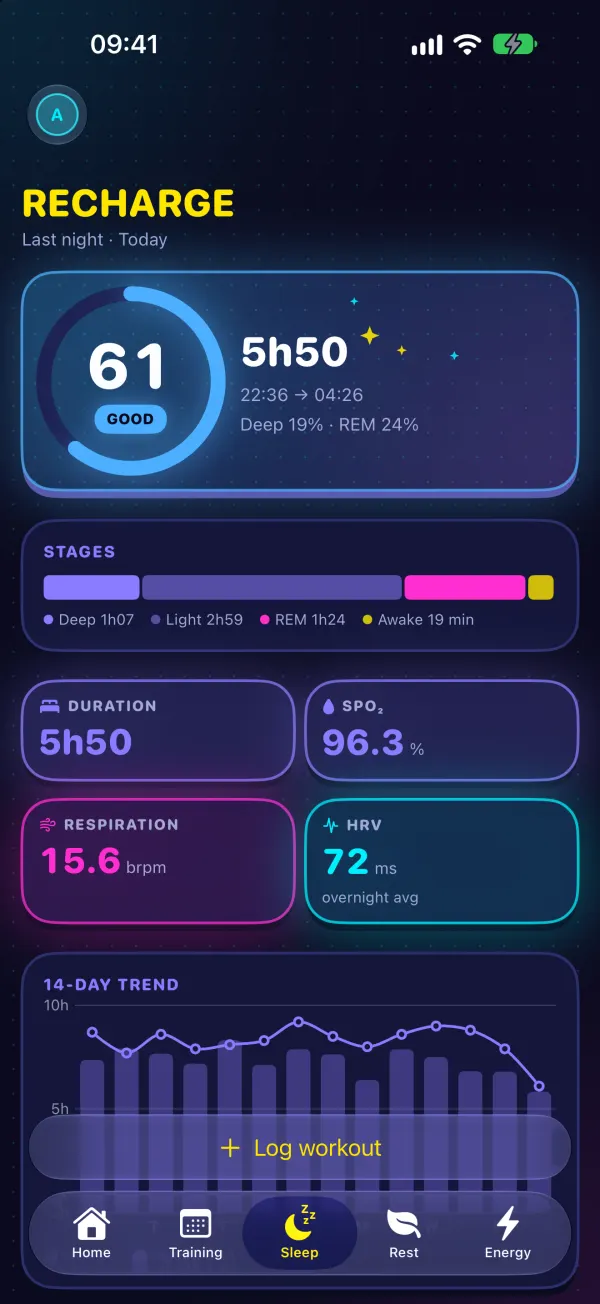
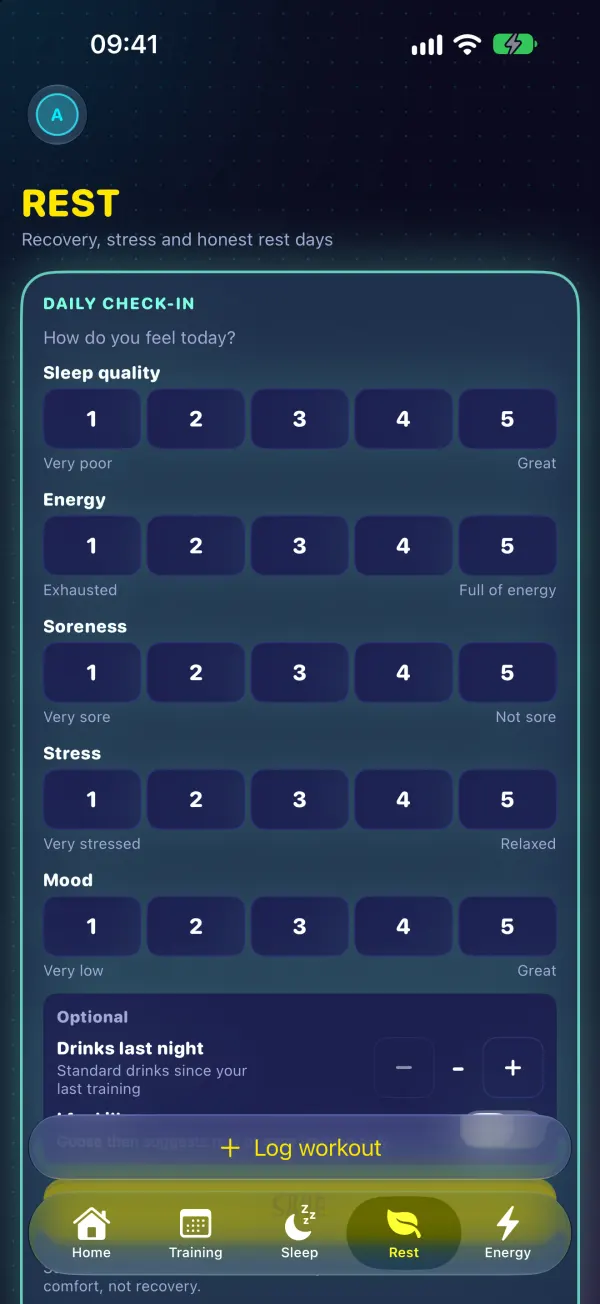
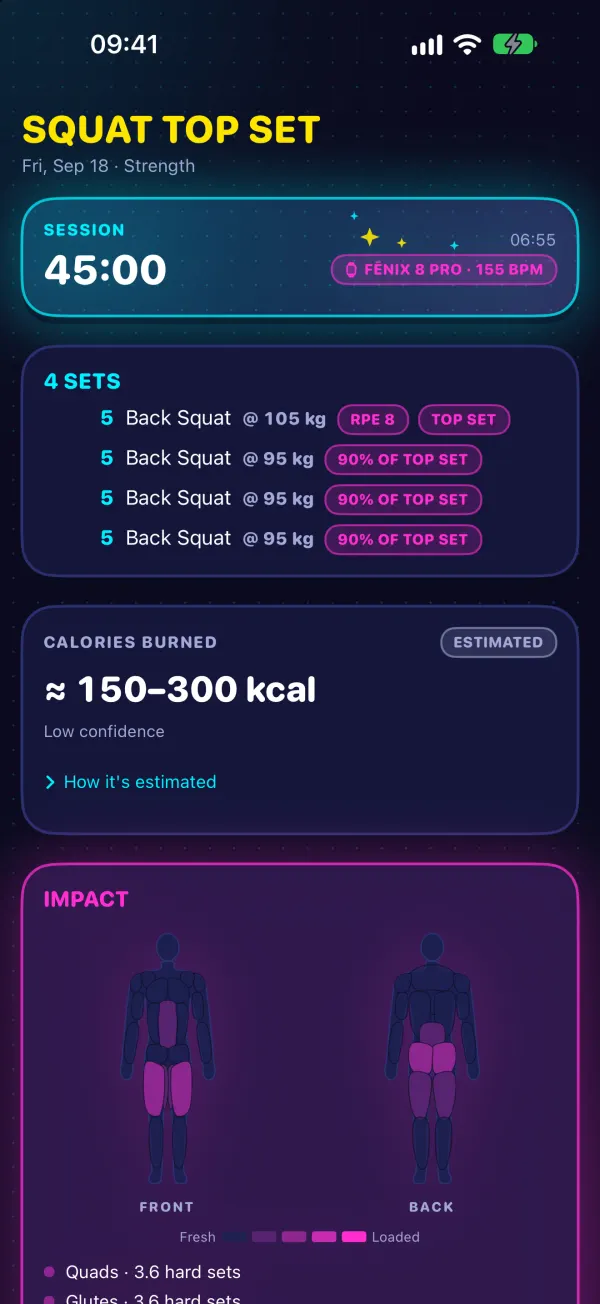
Every movement maps to 19 muscle groups. See what's still cooked, when soreness will peak and what's ready to train.
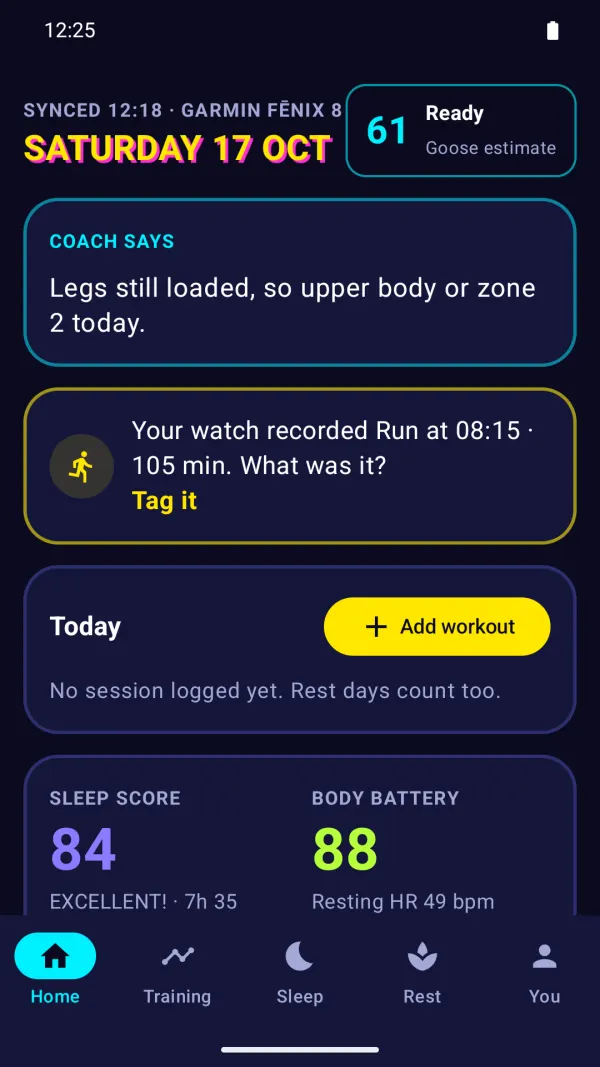
Garmin's Training Readiness when your watch has it. Otherwise a Goose score, labelled as Goose's, with its formula on screen.
Sleep, HRV and recovery from your tracker, front and centre, with a line on how hard to go today.
Each watch workout drawn as a heart-rate line with every round or lap as a numbered band. Hover, or touch and drag, to read the time, bpm and round.
Mark a rest day, or a stretch of being sick, travelling, injured or on holiday, so your log tells the whole story.
Insights compare you with yourself, not with a population average, and never make medical claims.
Train
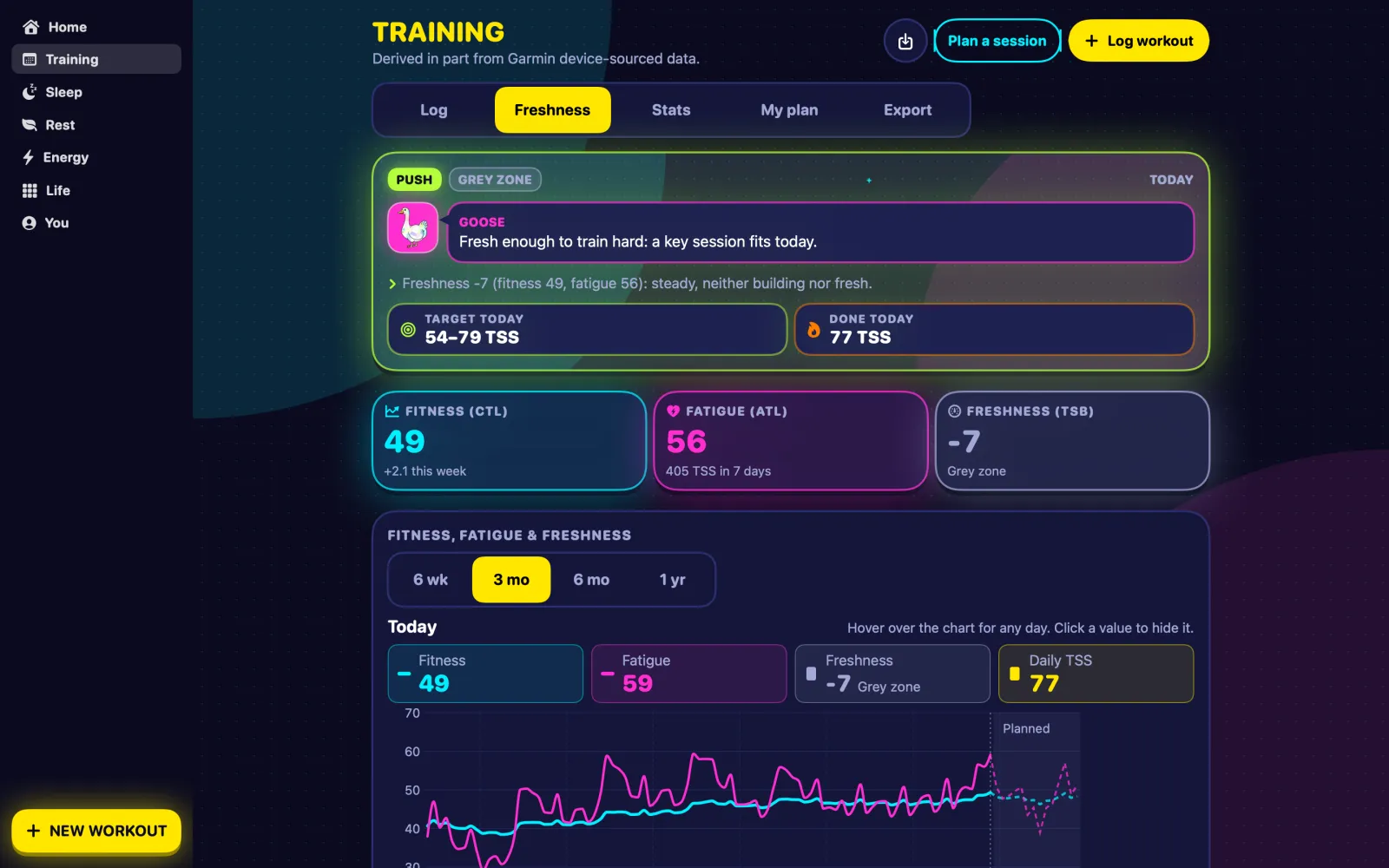
Every session gets a Training Stress Score from power, pace, heart rate or effort, and Goose shows how it worked each one out.
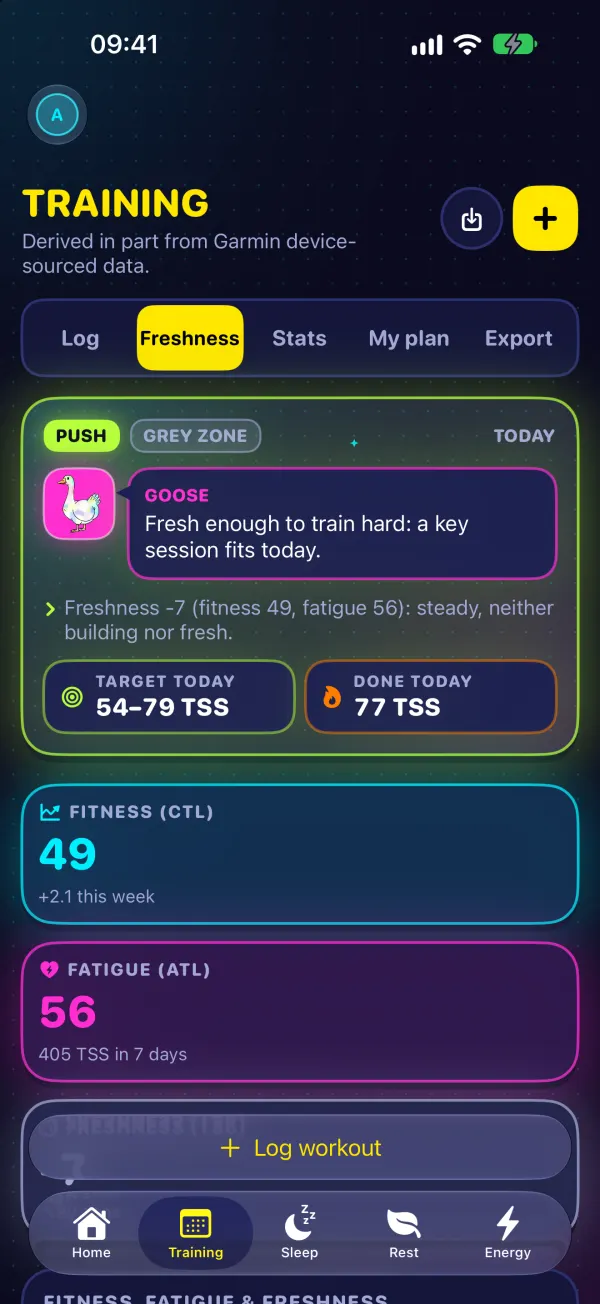
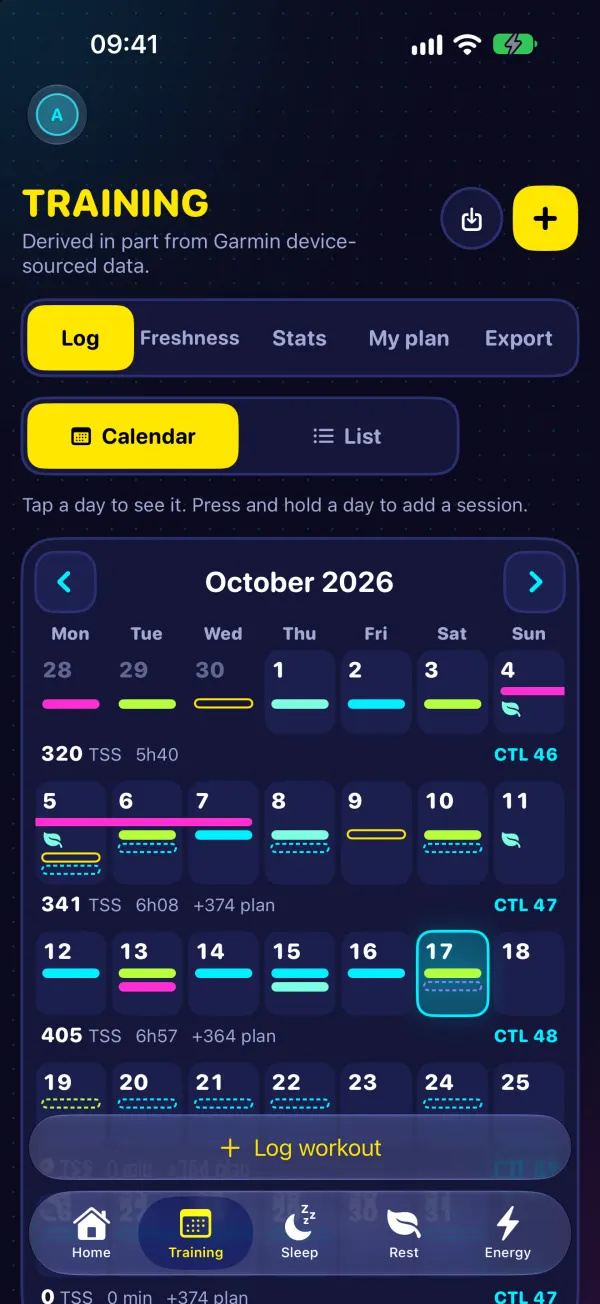
Your 42-day fitness, 7-day fatigue and Freshness on one chart: when you're building, when you're fresh, when to back off.
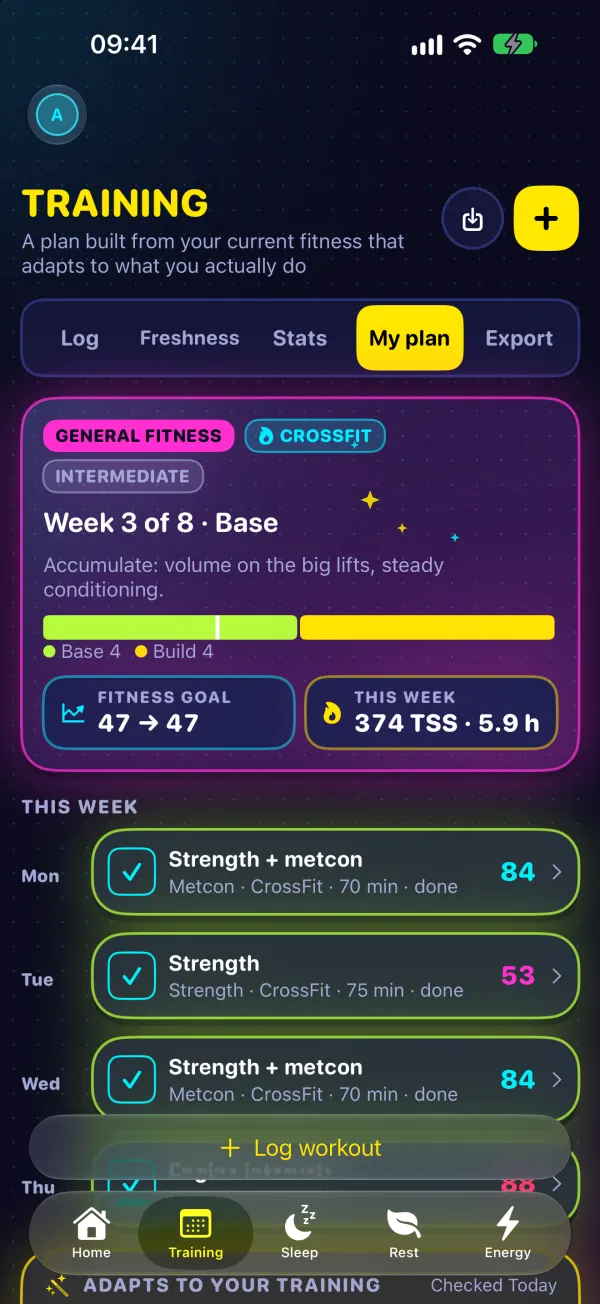
Plan sessions, drag them to another day, click one to edit it, and see done vs planned load for every week.
Pick a goal and your training days. Goose builds base, build, peak and taper, then eases off when you're tired and adds a little when you're fresh.
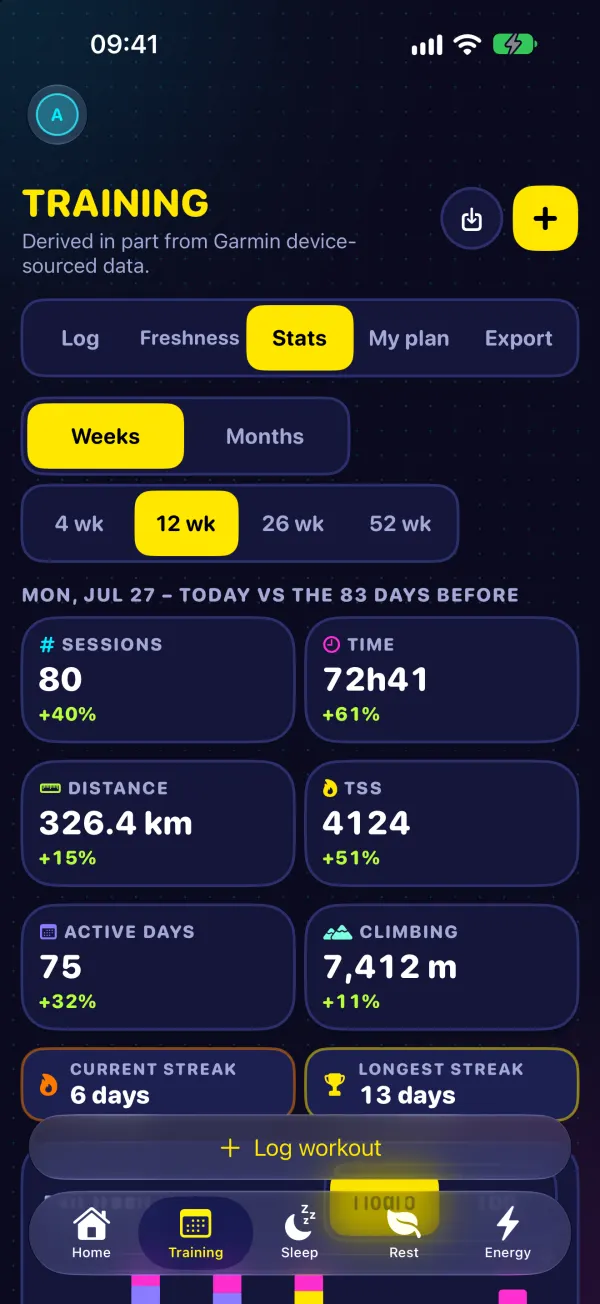
Weekly and monthly volume, time per sport, heart-rate zones, pace trends, streaks and personal records.
This week's fatigue against your usual fitness, as a plain percentage. It describes your load; it doesn't predict injury.
A run more than 10% longer than your longest in the last 30 days gets a flag, so a big jump never sneaks by.
Life
Each day starts with 100 points. Plan what drains you (work, chores, travel) and what restores you (rest, reading), and your workouts show up on their own, sized by how long and how hard they were.
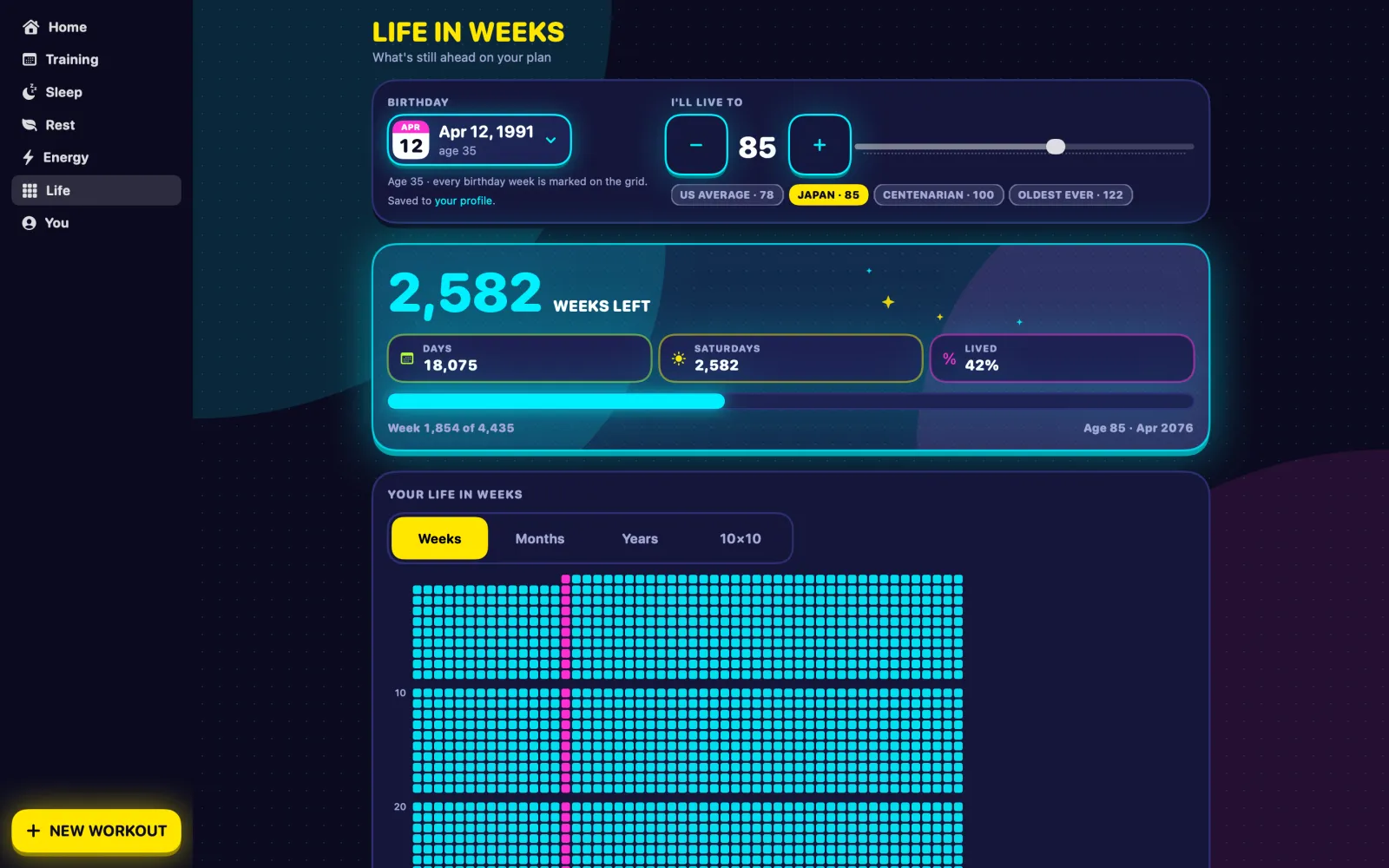
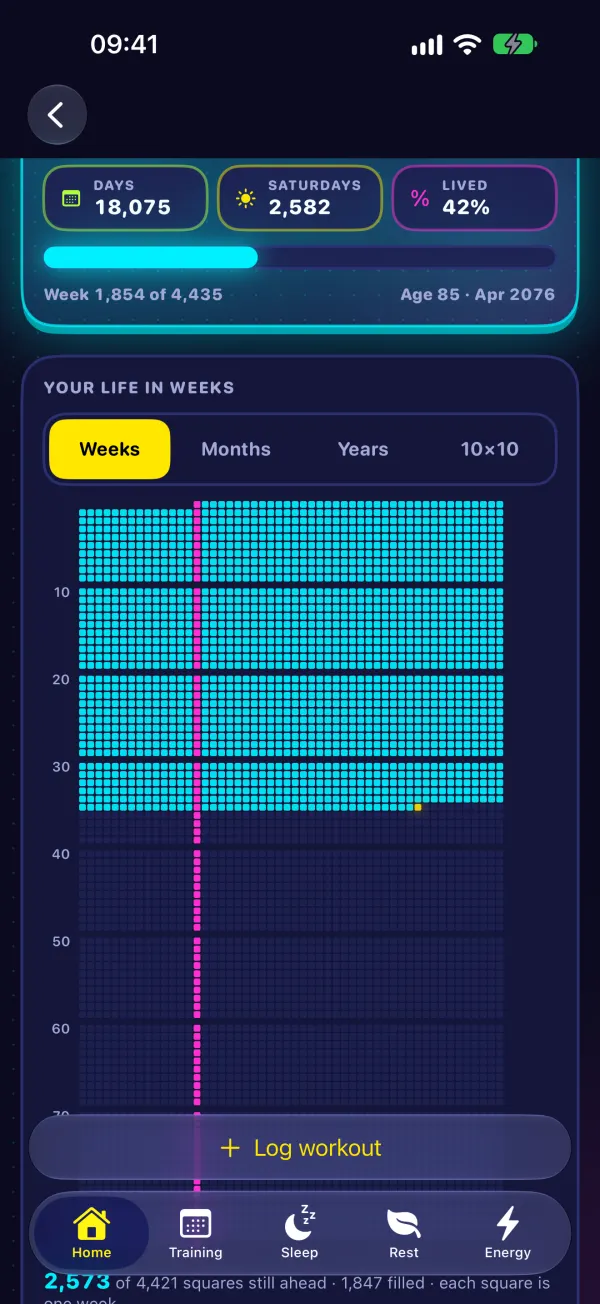
Your life as a grid, one square per week, birthdays marked. Goose counts the weekends, summers, Olympics and World Cups still ahead. Switch to months, years or 100 squares.
Energy, Life in Weeks and training plans are on iPhone, Mac and the web for now.
Everywhere
One account everywhere. Edits show up on your other devices within a second or two. A version for iPhone Duo, Apple's foldable iPhone, is coming soon.
Garmin, Apple Watch and Apple Health, Health Connect, direct links for Strava, Oura, WHOOP, Polar, Fitbit and Suunto, and FIT, TCX and GPX files from anything else. See every tracker.
Drop in a Garmin account export or a pile of activity files and years of activities, sleep and daily stats land in one go. The Mac app can read your Garmin over USB.
Neon arcade style (or calmer ones if you prefer), streaks that never shame you, and a goose that honks when you log.
From English and Español to 日本語 and हिन्दी, with العربية laid out right to left.
Logging only takes pasting or building the workout, so Goose works without any wearable at all.
Your data
Goose runs on servers in Germany and does one thing with your data: show it to you. Read the privacy policy for the details.
One plan, every feature. Your first week is free.